
Do you need a PC for a golf simulator?
Already have a phone or iPad? Many launch monitors play courses right there. You’ll need a Windows PC for the GSPro simulator program, or if your launch monitor’s software runs only on Windows, like the Trackman iO and ProTee VX.
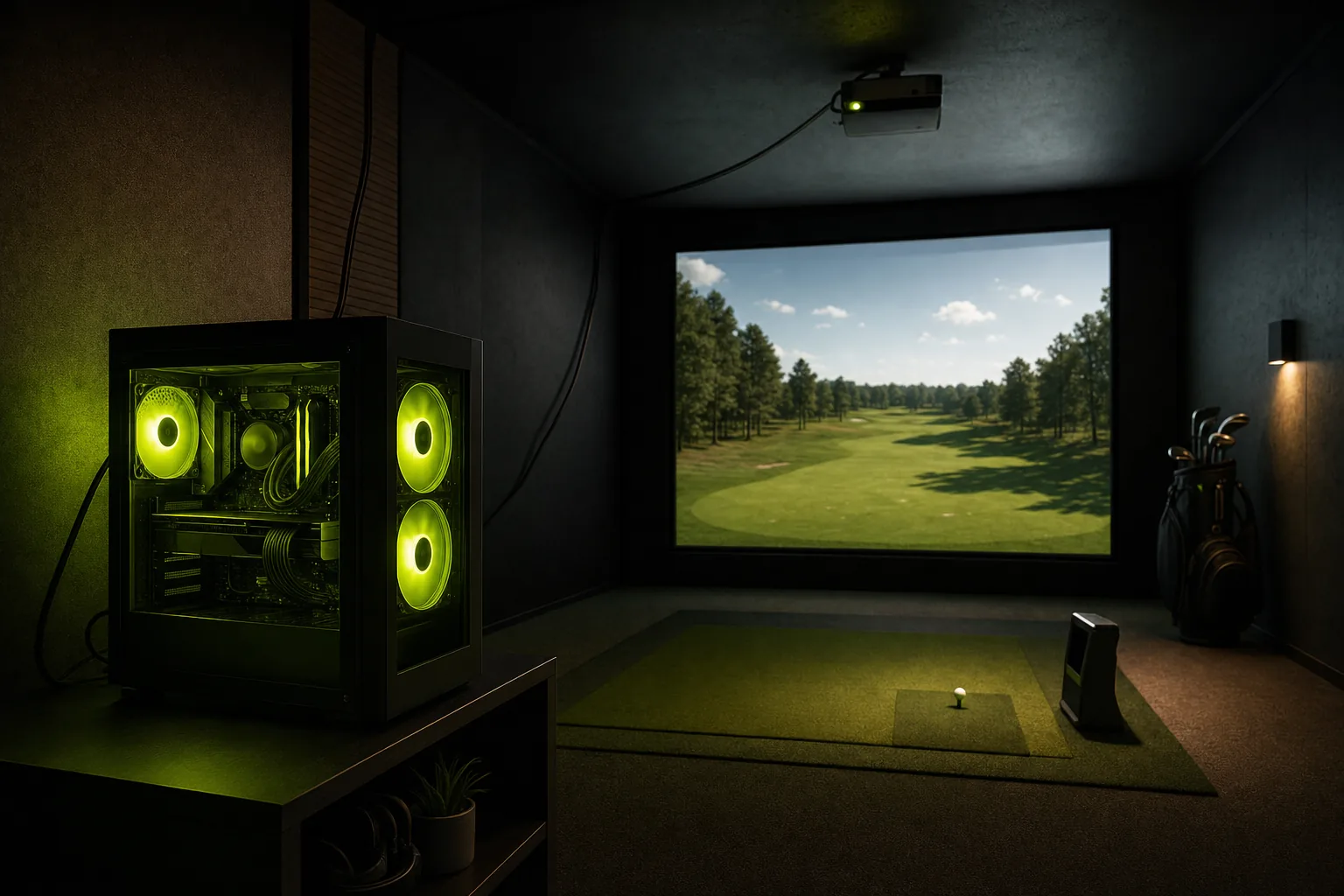
Which to pick
Skip the PC if
- you want a virtual driving range and some course play on a phone or iPad you already own
- you want the launch monitor to run the simulator itself and send it to your TV or projector
Plan for a Windows PC if
- you want to play GSPro, the Windows simulator program with more than 2,500 courses built by golfers
- the launch monitor you want shows its shots only on a Windows PC
- you already have a gaming PC in the house
What the PC does in a golf simulator
The launch monitor reads each shot and sends the ball data, and on many units the club data, to the simulator software over Bluetooth, Wi-Fi, a network cable or USB. The software simulates the ball’s flight on a 3D range or course and sends the picture to your projector or TV. Whatever runs the software is the computer in the setup: a Windows PC, a Mac, a phone, an iPad, or, on one unit, the launch monitor itself.
A PC needs a gaming graphics card when the software draws the course in detailed 3D, the way a video game does, and the card decides how smoothly the course plays at 1080p (full HD) or 4K. GSPro, E6 Connect on a PC and the PC programs from Foresight, Uneekor and Trackman draw the course that way. Apps for a phone or iPad run on the graphics those devices have, and the Awesome Golf simulator program runs on a PC’s built-in graphics.
GSPro is a yearly subscription; our GSPro guide covers what it costs and which launch monitors it supports.
Which launch monitors play courses without a PC
Of the 56 launch monitors in our list, 23 play simulator courses without a PC, in one or more of four ways:
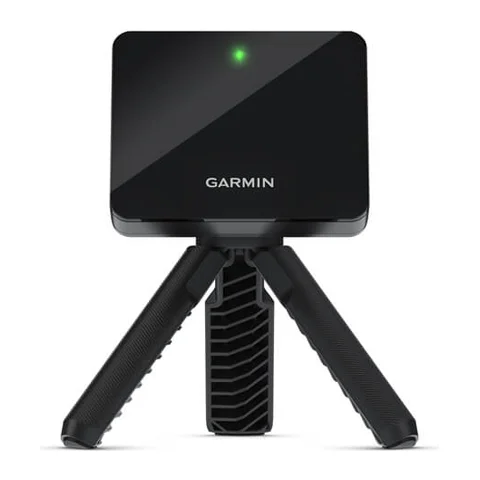
- On the launch monitor's own screen: the Garmin R50 runs Garmin's simulator on its 10-inch touchscreen and sends it to a TV or projector through HDMI. The driving range is free, and course play in Home Tee Hero, Garmin's course-play app, needs a Garmin Golf membership.
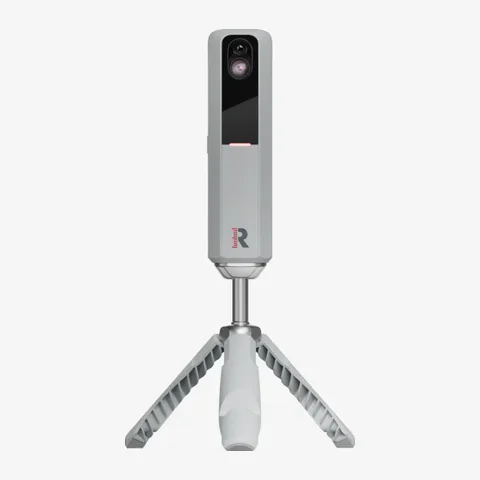
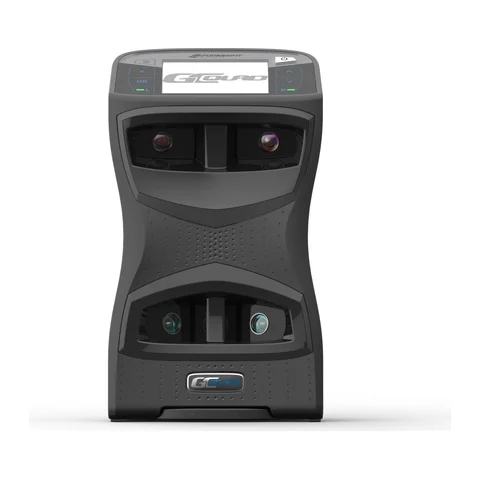
- In the maker's app on a phone or tablet: the Square Golf Home Edition and Square Golf Omni play courses in the Square Golf app with no subscription, the Garmin R10 plays Home Tee Hero on a phone with a Garmin Golf membership, the Rapsodo MLM2PRO plays Rapsodo Courses in its app with a Premium membership, the SkyTrak units play Course Play in the SkyTrak app on an iPad with a Core or Elite membership, the Bushnell Launch Pro, Foresight GC3, Foresight GC3S, Foresight GCQuad and Foresight QuadMAX play courses in the Foresight app with a Course Pass, and the GolfJoy Spica 3 plays courses in the GOLFJOY PRO app.
- In the E6 Connect simulator program on an iPad or iPhone: the FlightScope Mevo Gen 2, FlightScope Mevo+, FlightScope X3C, Full Swing KIT, TruGolf LaunchBox, Voice Caddie SC4 and Voice Caddie SC4 Pro work with E6 Connect on iOS.
- In the Awesome Golf simulator program on an iPad, an iPhone, an Android device, a Mac or a Chromebook: 15 of these launch monitors are on Awesome Golf's supported list. Awesome Golf is sold separately, and the Foresight and Bushnell units need a Foresight+ Gold plan to connect to it.
On r/Golfsimulator, twelve owners say they practice and play some courses with app software on a phone, iPad, Chromebook or ordinary laptop, and eight who moved from an iPad or phone to a PC with GSPro found the PC much better, with more courses, better graphics and better putting.
Every simulator program, with its price and the devices it runs on, is on our simulator software page.
Which launch monitors need a Windows PC
Of the 56 launch monitors in our list, 13 play courses only on a Windows PC. Eleven of them also show their shots only in software on the PC, so the PC is part of every session, practice included: the GolfIn IDRA II, GolfJoy Rigel 2, NVISAGE N1, ProTee VX, Trackman iO, TruGolf APOGEE, Uneekor Eye Mini Core, Uneekor Eye Mini Lite, Uneekor Eye XO, Uneekor Eye XO2 and Uneekor Eye XR.
The Blue Tees Rainmaker and Uneekor Eye Mini show shot data on their own screen or in a phone app, and play courses only on a PC.
A PC also adds courses to most launch monitors that play without one: 17 of the 23 connect to GSPro on a Windows PC.
Where launch monitors play courses, by price
| Plays courses without a PC | Plays courses on a Windows PC only | Shows its shots on its own screen or app only | |
|---|---|---|---|
| Up to $750 | Garmin R10, Rapsodo MLM2PRO, Square Golf Home Edition, Voice Caddie SC4 (discontinued), Voice Caddie SC4 Pro | Blue Tees Rainmaker | FlightScope Mevo (discontinued), Garmin G82, GolfBuddy Shot Mate, Izzo Launch Master, Izzo Launch Master Lite, Izzo Launch Master Pro, Izzo Launch Mate, Izzo Launch Mate Mini, Izzo Launch Mate Tour, PRGR HS-130A, Rapsodo MLM, Shot Scope LM1, Stack Radar, Voice Caddie SC200 Plus, Voice Caddie SC300i |
| $750 to $2,000 | Bushnell Launch Pro Indoor, FlightScope Mevo Gen 2, SkyTrak, Square Golf Omni | Uneekor Eye Mini Core | None |
| $2,000 to $3,500 | Bushnell Launch Pro, FlightScope Mevo+ (discontinued), GolfJoy Spica 3, SkyTrak ST MAX, SkyTrak+, TruGolf LaunchBox | Uneekor Eye Mini Lite | None |
| Over $3,500 | FlightScope X3C, Foresight Falcon, Foresight GC3, Foresight GC3S, Foresight GCQuad, Foresight QuadMAX, Full Swing KIT, Garmin R50 | GolfIn IDRA II, GolfJoy Rigel 2, NVISAGE N1, ProTee VX, Trackman iO, TruGolf APOGEE, Uneekor Eye Mini, Uneekor Eye XO, Uneekor Eye XO2, Uneekor Eye XR | None |
| Plays courses without a PC | Plays courses on a Windows PC only | Shows its shots on its own screen or app only | |
|---|---|---|---|
| Up to CA$1,100 | Garmin R10, Rapsodo MLM2PRO, Square Golf Home Edition, Voice Caddie SC4 (discontinued), Voice Caddie SC4 Pro | Blue Tees Rainmaker | FlightScope Mevo (discontinued), Garmin G82, GolfBuddy Shot Mate, Izzo Launch Master, Izzo Launch Master Lite, Izzo Launch Mate, Izzo Launch Mate Mini, Izzo Launch Mate Tour, PRGR HS-130A, Rapsodo MLM, Shot Scope LM1, Stack Radar, Voice Caddie SC200 Plus, Voice Caddie SC300i |
| CA$1,100 to CA$2,500 | FlightScope Mevo Gen 2, FlightScope Mevo+ (discontinued), Square Golf Omni | Uneekor Eye Mini Core | Izzo Launch Master Pro |
| CA$2,500 to CA$5,000 | Bushnell Launch Pro, Bushnell Launch Pro Indoor, GolfJoy Spica 3, SkyTrak, SkyTrak ST MAX, SkyTrak+, TruGolf LaunchBox | Uneekor Eye Mini, Uneekor Eye Mini Lite | None |
| Over CA$5,000 | FlightScope X3C, Foresight Falcon, Foresight GC3, Foresight GC3S, Foresight GCQuad, Foresight QuadMAX, Full Swing KIT, Garmin R50 | GolfIn IDRA II, GolfJoy Rigel 2, NVISAGE N1, ProTee VX, Trackman iO, TruGolf APOGEE, Uneekor Eye XO, Uneekor Eye XO2, Uneekor Eye XR | None |
For our picks across every kind of launch monitor, see Best Golf Launch Monitors.
What PC golf simulator software needs
Plan for a Windows 10 or 11 PC with 16 GB of memory and an Nvidia RTX 3060 Ti or RTX 3070 graphics card, GSPro's recommendation for 1080p. That PC also runs E6 Connect and Awesome Golf. The PC programs from Foresight, Uneekor and Trackman ask for more: Foresight Premier recommends an RTX 4070, Uneekor recommends an RTX 4070 Ti or faster, and Trackman requires one as a minimum, on Windows 11.
For a 4K projector, GSPro recommends an RTX 3080 or faster and 32 GB of memory. On 4K, owners report mixed results: of nine who described a 4K setup, some run 4K at ultra settings on an RTX 3060 Ti or 3070, and one saw dropped frames on a card with 8 GB of video memory and fixed it with a 16 GB card.
Owners run GSPro at 1080p on older or cheaper cards than GSPro recommends: eleven describe playing well on cards from a GTX 1650 at medium settings and a GTX 1070 up to an RTX 4060. Six saw lag or slow loading on some courses even on a recommended card, and fixed it with a card with more video memory, more memory, updated drivers or lower settings.
| Runs on | Graphics card | Memory | |
|---|---|---|---|
| GSPro, 1080p | Windows | RTX 3070 or RTX 3060 Ti | 16 GB |
| GSPro, 4K | Windows | RTX 3080 or faster | 32 GB |
| E6 Connect | Windows, iPad, iPhone | GTX 1070 or equivalent | 8 GB |
| Awesome Golf | Windows, Mac, iPad, iPhone, Android, Chromebook | Built-in (integrated) graphics | 4 GB |
| Foresight Premier | Windows | RTX 3060 Ti minimum; RTX 4070 recommended | 16 GB minimum; 32 GB recommended |
| Uneekor REFINE | Windows | RTX 4070 Ti or faster | 32 GB |
| Trackman Virtual Golf | Windows 11 | RTX 4070 Ti, 4070 Ti Super or 5070 Ti (minimum) | 32 GB |
Our GSPro guide also names three PCs that meet its recommendation.
What a golf simulator PC costs
A new Windows desktop in our list that meets GSPro's 1080p recommendation starts at $1,750CA$2,400, and a gaming laptop that does starts at $1,990CA$2,300. An iPad for E6 Connect, Awesome Golf, the Square Golf app or Rapsodo's app starts at $449CA$649. SkyTrak's Course Play needs an iPad with an M1 chip or newer, from $749CA$999 (iPad Air).
Many owners spend less by buying used: ten bought a used gaming PC or laptop, and most of those who gave a price paid $350 to $700US$350 to US$700.
Owners who bought a new PC or built one report little trouble: eight bought a prebuilt gaming PC and say it ran GSPro without setup trouble, and nine built their own PC, most with no experience or a friend's help, and found it easier than they expected.
Every computer in our list, with its graphics card and price, is on our golf simulator computers page.
Laptop or desktop?
Choose a gaming laptop if you want to carry the PC in and out of the garage, and a desktop if the PC stays put. Of seven owners who run GSPro on a gaming laptop, some found it hot, loud or laggy in the simulator, and one moved to a desktop because the laptop's fans ran constantly.
Can you use a PC in another room?
Yes, and this is the question asked most on r/Golfsimulator: 14 people asked whether they could use the gaming PC they already have in the house instead of buying a second one for the simulator. Owners do it three ways:
- Streaming: 19 owners stream the PC to the simulator with a free streaming program (Sunshine or Apollo) on the PC and the Moonlight app on a Fire TV stick, Chromecast, Google TV, iPad, Raspberry Pi or old laptop at the simulator, and most say it works well.
- Cables: 17 owners ran a long fiber HDMI cable or HDMI over a network cable to the projector, plus a USB extension or USB over a network cable for the launch monitor's Bluetooth adapter, the keyboard and the mouse.
- Wireless HDMI: three owners send the picture to the projector with a wireless HDMI transmitter.
The most common problem is connecting the launch monitor to a PC in another room: eight owners had one that wouldn't connect, most often because Bluetooth didn't reach. The fixes owners give are VirtualHere, a program that passes a Bluetooth adapter plugged in at the simulator back to the PC; a Bluetooth adapter on a powered USB extension; or a launch monitor that connects over Wi-Fi or a network cable, such as the Foresight GC3 and Bushnell Launch Pro.
Six found a streamed setup fiddly, with several devices to start, and some bought a PC for the simulator instead.
Can the PC stay in the garage?
Owners keep PCs in garages year round. Eight report no problems from heat or cold, one in a garage that reaches 110 °F. Four reported heat trouble (a projector's overheat warning, hot laptops) or doubted a PC would last in the heat, and the fixes owners give are a mini-split or portable air conditioner, insulating the garage, or keeping the PC in the house and streaming it or running cables. In a cold garage, owners advise a dehumidifier and keeping the PC off the concrete floor, because condensation is a bigger risk there than the cold itself.
The guide to setting up a golf simulator in your garage covers the room, the launch monitor and the screen.
Can a Mac run a golf simulator?
Yes, with Mac software. Awesome Golf runs on a Mac with Apple silicon, and the SkyTrak and SkyTrak ST MAX also play Course Play in the SkyTrak app on a Mac with an M1 chip or newer. In all, 17 launch monitors in our list play courses on a Mac.
GSPro and the PC programs from Foresight and Uneekor run only on Windows. Of the owners on r/Golfsimulator who wanted GSPro on a Mac, four needed Windows: Boot Camp on an older Intel Mac, or a separate PC.