
Garmin R10 vs SkyTrak+
The Garmin R10 and the SkyTrak+ both show ball and club data in a free app, and both can play simulated golf courses. The SkyTrak+ is built for indoor practice: the SkyTrak+ sits beside the ball, so the room needs no space behind you, and the SkyTrak+ camera reads spin from an ordinary golf ball. The R10 sits behind the ball, costs over a thousand dollars less and is rated to get wet, so the R10 goes with you to the range in any weather.

We earn a commission when you buy through retailer links on this page. How we make money
Which to pick
Pick the Garmin R10 if
- you want to save over a thousand dollars
- you practice at the range, including in wet weather
- left- and right-handed golfers will take turns
- you want official support for GSPro, E6 Connect or Awesome Golf
$500
Buy at GarminPick the SkyTrak+ if
- your room lacks the depth for a launch monitor that sits behind you
- you practice indoors and want spin measured with the golf balls you already use
- you want to practice putting
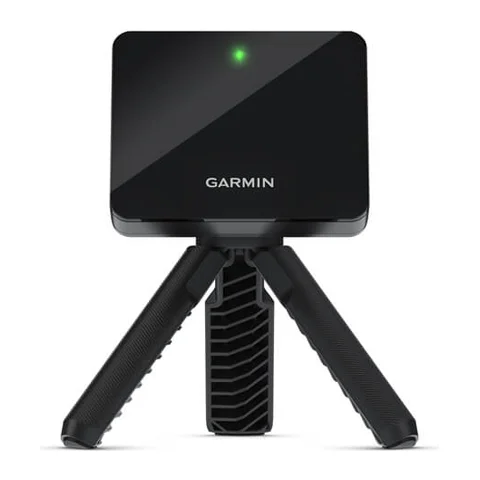
Garmin R10
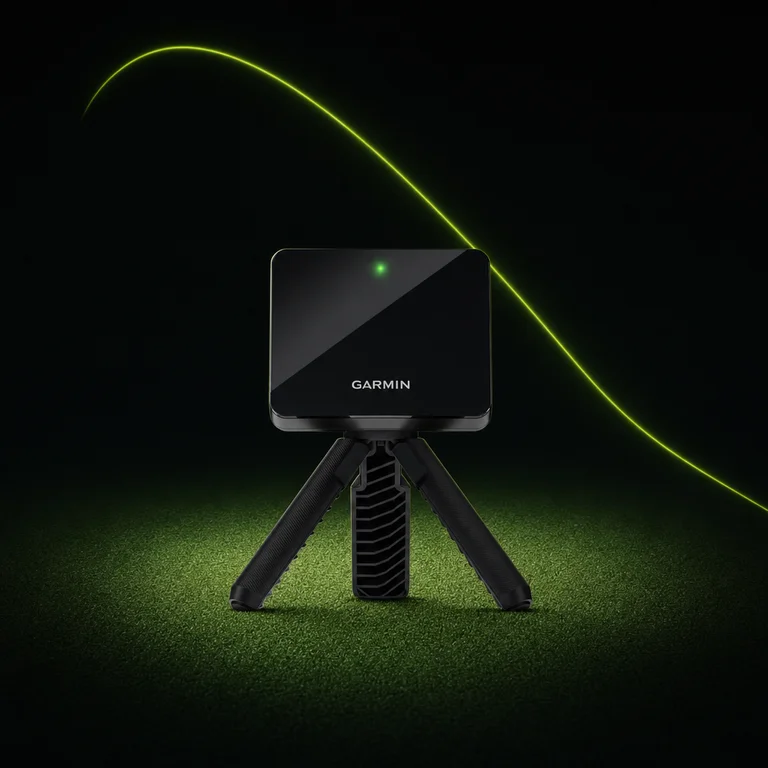
- Technology
- Radar that follows the ball and club
- Placement
- 6 to 8 ft behind the ball
- Battery
- 10 hours
- Water resistance
- IPX7
- Membership
- Optional: adds course play and saved swing video
$500
Buy at GarminWhy it shines
The free Garmin Golf app shows the R10's ball speed, launch angle and club speed, plus three readings of the club at impact:
- Club path: the direction the club travels through impact. The R10 measures club path.
- Face angle: where the clubface points at impact. The R10 calculates face angle from its radar readings.
- Attack angle: whether the club is moving down or up at impact. The R10 calculates attack angle from its radar readings.
The battery runs for 10 hours, and the IPX7 water-resistance rating means the R10 is sealed against rain and a brief dunk in water. The Garmin Golf app films each swing with your phone's camera, and saving the clips needs the Garmin Golf membership.
The R10 connects to the GSPro, E6 Connect and Awesome Golf simulator programs without a Garmin membership: you pay only for the program's own license, and E6 offers R10 owners a 5-course license. Because the R10 sits behind the ball, left- and right-handed golfers can take turns without moving the unit.
What owners say
Owners on Garmin's forum and in retailer customer reviews say the R10 is quick to set up and light enough to carry to the range. The most common complaint is that the app or unit freezes or drops its connection mid-session, often after an app or firmware update. Many owners also report that carry reads short with the driver, woods and long irons, most of all indoors.
Worth noting
In most home setups the R10 calculates spin instead of measuring it: the R10 estimates spin with a machine-learned model from the ball and club data its radar measures, and the app shows calculated spin in italics. Indoors, the R10 measures spin only with Titleist RCT balls, which carry a mark the radar reads for spin, and at least 8 feet between the ball and the net. Outdoors, the R10 measures spin when the R10's radar follows the ball for at least 20 meters (about 65 feet) and the ball leaves at 90 mph or faster. See what each launch monitor measures and what it calculates.
$500
Buy at GarminSkyTrak+
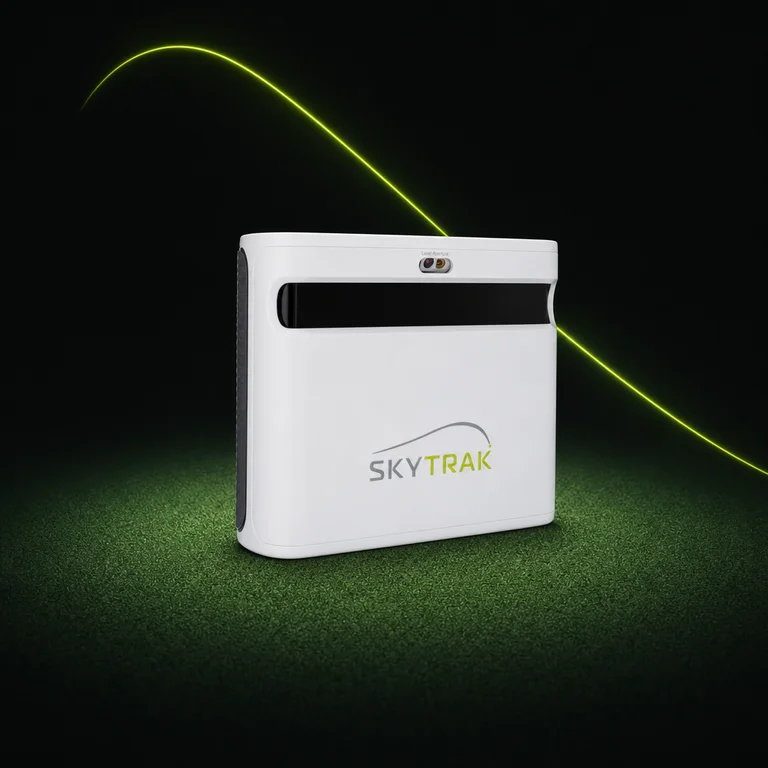
- Technology
- Camera that photographs the ball, plus radar for club data
- Placement
- Beside the ball, level with the mat
- Battery
- 5 hours
- Water resistance
- No rating; SkyTrak says to keep the unit dry
- Membership
- Optional: Essential adds practice games; Core or Elite adds course play
Why it shines
The SkyTrak+ camera photographs the ball as the ball leaves the club, so the SkyTrak+ measures spin rate and spin axis (the tilt of the spin that curves the ball left or right) indoors with ordinary golf balls. Radar in the same unit reads club speed, club path and face angle with nothing attached to the club. All of these show in the free SkyTrak app.
The SkyTrak+ sits beside the ball, so all of the room's depth goes to your swing and the ball flight. SkyTrak gives 10 feet as the minimum room length, against Garmin's 15 feet for the R10. For more units that fit, see the best launch monitors for a garage or room with limited depth.
The SkyTrak app also has a putting mode.
What owners say
Owners on Reddit, Golf Simulator Forum and in SkyTrak store reviews say the club path and face angle readings help with swing changes. The most common complaint is the Wi-Fi link: owners report dropped connections, especially when the SkyTrak+ joins the home network, and several connect to the unit's own Wi-Fi network instead.
Worth noting
SkyTrak's minimum ceiling height is 10 feet against Garmin's 8 for the R10, though the height you need depends more on your swing than on the unit. SkyTrak no longer gives new owners an official connection to GSPro or E6 Connect. Official course play on a new SkyTrak+ comes from SkyTrak's Core or Elite membership, and owners on Reddit and Golf Simulator Forum run GSPro through an unofficial community connector.
| Garmin R10 | SkyTrak+ | |
|---|---|---|
| Unit | $500 | $2,995 |
| Maker's course-play membership, 3 years | $300 | $900 |
| Total | $800 | $3,895 |
Regular prices on Nov 1, 2026. The SkyTrak+ column uses SkyTrak's Core membership with the Foresight course pack (49 courses), SkyTrak's lowest-priced plan with course play. Both memberships are optional.
| Garmin R10 | SkyTrak+ | |
|---|---|---|
| Unit | CA$700 | CA$3,995 |
| Maker's course-play membership, 3 years | CA$390 | CA$1,253 |
| Total | CA$1,090 | CA$5,248 |
Regular prices on Nov 1, 2026. The SkyTrak+ column uses SkyTrak's Core membership with the Foresight course pack (49 courses), SkyTrak's lowest-priced plan with course play. Both memberships are optional.
| Garmin R10 | SkyTrak+ | |
|---|---|---|
| GSPro | GSPro license | GSPro license and an unofficial community connector |
| E6 Connect | E6's 5-course license for Garmin owners, or an E6 subscription | Not offered to new owners |
| Awesome Golf | Awesome Golf license | Not supported |
| Maker's own courses | Garmin Golf membership | SkyTrak Core or Elite membership |
| Garmin R10 | SkyTrak+ | |
|---|---|---|
| Spin rate | Calculated | Measured |
| Spin axis | Calculated | Measured |
| Descent angle | Not supported | Calculated |
| Face angle | Calculated | Measured |
| Attack angle | Calculated | Not supported |
| Putting mode | No | Yes |
| Ball speed | Measured | Measured |
| Launch angle | Measured | Measured |
| Launch direction | Measured | Measured |
| Carry distance | Calculated | Calculated |
| Club speed | Measured | Measured |
| Club path | Measured | Measured |
- Measured
- Calculated
- Not supported
Indoors, with regular balls.