
Launch Monitor vs Golf Simulator
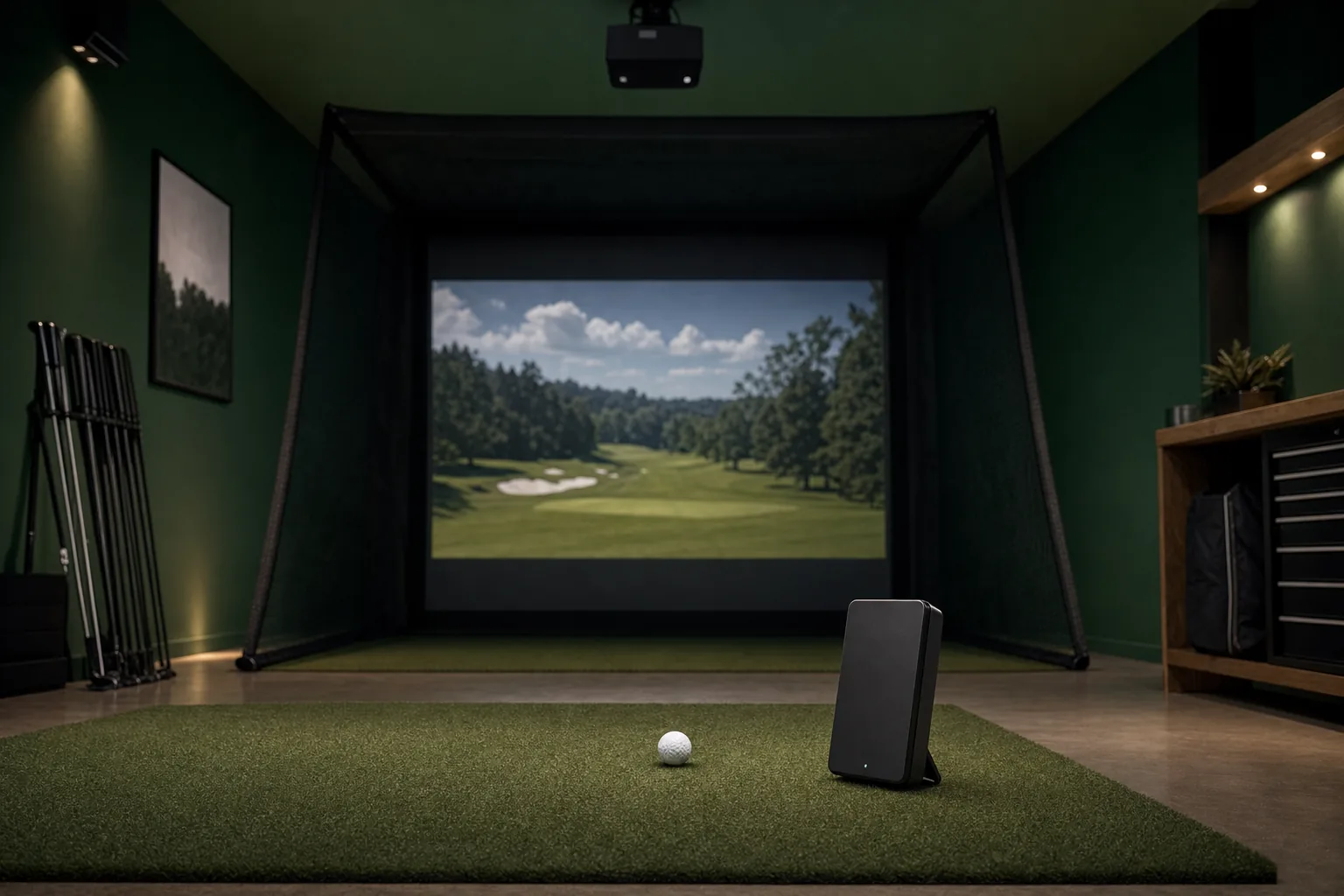
You don’t need a full simulator to play courses at home: many launch monitors run them on a phone, iPad or TV beside your net. What a full simulator gets you is the feeling of being on the course. You aim at the fairway in front of you instead of a mark on a net, and owners say that’s what got partners who don’t golf to start playing. It costs a few thousand dollars more.
Which to pick
Pick a launch monitor and a net if
- you want to spend a few hundred dollars beyond the launch monitor, rather than a few thousand
- you mostly practice, and a phone, iPad or TV beside the net is enough to see each shot
- you want to buy the launch monitor now and add the screen, projector and computer later
Build a full simulator if
- you want to play rounds with the course shown full size in front of you
- family or friends who don’t golf will play with you
- you have a room you can keep dim, such as a basement or a garage with the door shut
What a launch monitor and a net give you
Owners who hit into a net with a phone, iPad or TV beside it say it works for practice and for courses (nine on r/Golfsimulator). Courses run in the launch monitor maker’s app, in E6 Connect or Awesome Golf on an iPad, or in GSPro, a Windows simulator program with a yearly license, on a PC connected to a TV. One owner mirrors an iPad to a TV when friends play; another runs GSPro on an old TV beside the net.
The trade-off is where you look: the shot plays on a screen beside the net, so you look away to watch it.
How do you aim into a net?
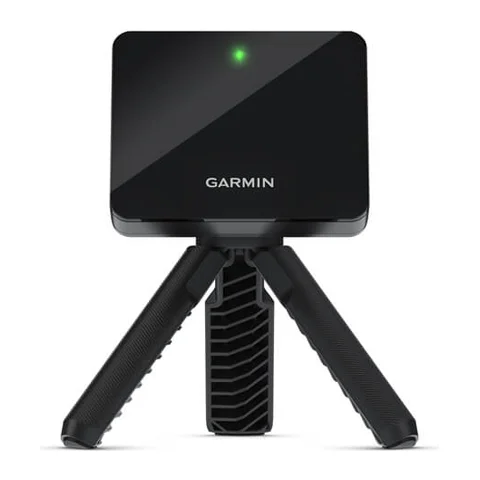
Mark the center of the net, or a line on the floor or mat, set the software’s target line to that mark and hit straight at the mark; nine owners on r/Golfsimulator aim this way. One fixed a laser pointer to a Garmin R10 to show the line.
What a full simulator adds
Owners who added an impact screen and a projector say playing became more immersive, and partners who weren’t golfers started playing (four on r/Golfsimulator).
The catch they report most is the picture washing out in daylight, in garages and outdoors (five owners). Their fixes are a brighter projector, curtains or blocked windows, or playing at night; one finds 3,600 lumens just bright enough in a garage by day.
Whether you need a gaming PC depends on the software: GSPro needs one, while E6 Connect and Awesome Golf also run on an iPad and the Garmin R50 runs its simulator on its own screen.
Our guide to whether you need a PC for a golf simulator covers which launch monitors need one.
Our pages on impact screens, on nets and enclosures, and on projectors list every model with its price.
How much room each setup needs
With the Garmin R10, the net setup fits a room 15 ft long, 8 ft wide and 8 ft high; the full simulator needs the same length, the enclosure’s 10 ft 7 in of width and a 9 ft ceiling.
| Width | Height | Depth | |
|---|---|---|---|
| Garmin R10 room | 8 ft | 8 ft | 15 ft long, ball 8 ft from the net or screen |
| Spornia SPG-7 net | 7 ft | 7 ft | 7 ft |
| GoSports enclosure | 10 ft 7 in | 8 ft (9 ft ceiling recommended) | 6 ft |
Our guide to golf simulator ceiling height and room size gives the room every launch monitor needs.
What each setup costs
Priced here with the same Garmin R10 in both, the full simulator costs $3,349CA$4,429 more to buy than the net setup: the enclosure with its impact screen, the projector and the gaming PC. Playing courses then costs $100CA$130 a year with a Garmin Golf membership on a phone, or $250CA$363 a year for GSPro on the PC.
| Launch monitor and net | Full simulator | |
|---|---|---|
| Launch monitor | Garmin R10: $500 | Garmin R10: $500 |
| Net or enclosure | Spornia SPG-7 net: $350 | GoSports enclosure with impact screen: $1,000 |
| Hitting mat | GoSports Pro mat: $100 | GoSports Pro mat: $100 |
| Display | Your phone, iPad or TV | BenQ TH671ST short-throw projector: $949 |
| Computer | Your phone or iPad | MSI Aegis Z2 gaming PC: $1,750 |
| To buy | $950 | $4,299 |
| Software per year | Garmin Golf membership, for courses: $100 | GSPro: $250 |
| Launch monitor and net | Full simulator | |
|---|---|---|
| Launch monitor | Garmin R10: CA$700 | Garmin R10: CA$700 |
| Net or enclosure | Spornia SPG-7 net: CA$550 | GoSports enclosure with impact screen: CA$1,529 |
| Hitting mat | GoSports Pro mat: CA$188 | GoSports Pro mat: CA$188 |
| Display | Your phone, iPad or TV | BenQ TH671ST short-throw projector: CA$1,050 |
| Computer | Your phone or iPad | MSI Aegis Z2 gaming PC: CA$2,400 |
| To buy | CA$1,438 | CA$5,867 |
| Software per year | Garmin Golf membership, for courses: CA$130 | GSPro: CA$363 |
Owners have built a full simulator for less than this one, two of them around a used launch monitor or projector, or a gaming PC they already had (five owners on r/Golfsimulator gave a lower total).
Our guide to what a golf simulator costs prices every part and three complete setups.
Can you start with a launch monitor and add a simulator later?
Yes, and owners on r/Golfsimulator did: three describe starting with a launch monitor and a mat or net, with each shot on a phone, iPad or TV, and adding an impact screen and a projector later.
Choose a launch monitor that connects to the simulator program you will want later: 32 of the 56 in our list connect to GSPro. And buy a good hitting mat from the start: four owners say it matters from the first session, and one owner’s $85 mat wore through at the impact zone in about a week and, on concrete, left its owner sore.
Our GSPro guide lists every launch monitor GSPro supports.
Can one launch monitor go to the range and run the home simulator?
Yes, if its maker rates it for outdoor use, as 40 of the 56 in our list are. Owners who move one unit between the range, a backyard net and a home simulator say its own display or a phone app makes that easy (five on r/Golfsimulator).
Our picks of the best golf launch monitors cover units for the range and for home.
Most units that sit on the floor work outdoors; the ones that work only indoors are in our comparison of indoor and outdoor launch monitors.
Which launch monitors work with only a net?
Most do: 45 of the 56 in our list show each shot on their own screen or in a phone or tablet app, and 23 of those also play simulator courses without a PC.
The other eleven, including the Trackman iO and Uneekor Eye XO2, show their shots only in software on a Windows PC, so the PC is part of every session, practice into a net included.
| Works with a net and a phone, iPad or its own screen | Shows its shots only on a Windows PC | |
|---|---|---|
| Up to $750 | Blue Tees Rainmaker, FlightScope Mevo (discontinued), Garmin G82, Garmin R10, GolfBuddy Shot Mate, Izzo Launch Master, Izzo Launch Master Lite, Izzo Launch Master Pro, Izzo Launch Mate, Izzo Launch Mate Mini, Izzo Launch Mate Tour, PRGR HS-130A, Rapsodo MLM, Rapsodo MLM2PRO, Shot Scope LM1, Square Golf Home Edition, Stack Radar, Voice Caddie SC200 Plus, Voice Caddie SC300i, Voice Caddie SC4 (discontinued), Voice Caddie SC4 Pro | None |
| $750 to $2,000 | Bushnell Launch Pro Indoor, FlightScope Mevo Gen 2, SkyTrak, Square Golf Omni | Uneekor Eye Mini Core |
| $2,000 to $3,500 | Bushnell Launch Pro, FlightScope Mevo+ (discontinued), GolfJoy GDS Pro, GolfJoy Spica 3, SkyTrak ST MAX, SkyTrak+, TruGolf LaunchBox | Uneekor Eye Mini Lite |
| Over $3,500 | FlightScope X3C, Foresight Falcon, Foresight GC3, Foresight GC3S, Foresight GCQuad, Foresight QuadMAX, Full Swing KIT, Garmin R50, GolfJoy Rigel 3, GolfJoy Rigel 3 Pro, NVISAGE NEO-E, Trackman 4, Uneekor Eye Mini | GolfIn IDRA II, GolfJoy Rigel 2, NVISAGE N1, ProTee VX, Trackman iO, TruGolf APOGEE, Uneekor Eye XO, Uneekor Eye XO2, Uneekor Eye XR |
| Works with a net and a phone, iPad or its own screen | Shows its shots only on a Windows PC | |
|---|---|---|
| Up to CA$1,100 | Blue Tees Rainmaker, FlightScope Mevo (discontinued), Garmin G82, Garmin R10, GolfBuddy Shot Mate, Izzo Launch Master, Izzo Launch Master Lite, Izzo Launch Mate, Izzo Launch Mate Mini, Izzo Launch Mate Tour, PRGR HS-130A, Rapsodo MLM, Rapsodo MLM2PRO, Shot Scope LM1, Square Golf Home Edition, Stack Radar, Voice Caddie SC200 Plus, Voice Caddie SC300i, Voice Caddie SC4 (discontinued), Voice Caddie SC4 Pro | None |
| CA$1,100 to CA$2,500 | FlightScope Mevo Gen 2, FlightScope Mevo+ (discontinued), Izzo Launch Master Pro, Square Golf Omni | Uneekor Eye Mini Core |
| CA$2,500 to CA$5,000 | Bushnell Launch Pro, Bushnell Launch Pro Indoor, GolfJoy GDS Pro, GolfJoy Spica 3, SkyTrak, SkyTrak ST MAX, SkyTrak+, TruGolf LaunchBox, Uneekor Eye Mini | Uneekor Eye Mini Lite |
| Over CA$5,000 | FlightScope X3C, Foresight Falcon, Foresight GC3, Foresight GC3S, Foresight GCQuad, Foresight QuadMAX, Full Swing KIT, Garmin R50, GolfJoy Rigel 3, GolfJoy Rigel 3 Pro, NVISAGE NEO-E, Trackman 4 | GolfIn IDRA II, GolfJoy Rigel 2, NVISAGE N1, ProTee VX, Trackman iO, TruGolf APOGEE, Uneekor Eye XO, Uneekor Eye XO2, Uneekor Eye XR |